 Databox
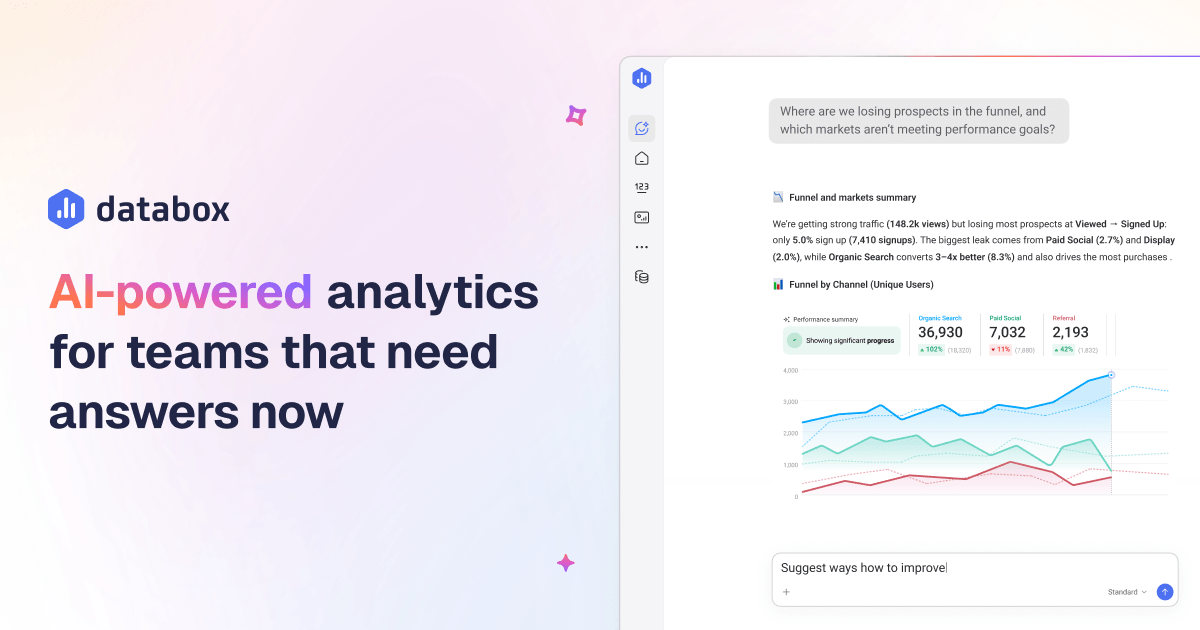
Databox is a powerful business analytics and data visualization tool that helps companies track their performance metrics in real-time. Designed for marketers, product teams, and executives, it consolidates data from various platforms to provide actionable insights for better decision-making.
Click for detailed info Hide detailed info
Pros
- User-friendly interface for easy data visualization
- Integration with multiple data sources including Google Analytics, HubSpot, and more
- Customizable dashboards tailored to specific business needs
- Strong focus on real-time data reporting and tracking
Cons
- Limited features in the free tier
- Some users report a steep learning curve for advanced functionalities
- Cost can increase significantly for larger teams or organizations
Frequently Asked Questions
Is Databox free?
Databox offers a free version with limited functionalities, while its paid plans start at $49 per month, providing more robust features and integration capabilities.
Who is Databox ideal for?
Databox is ideal for marketing teams, product managers, and business executives looking for a streamlined way to visualize and analyze their operational metrics in a centralized dashboard.
What is Databox best used for?
Databox is best used for consolidating data from multiple sources into visually engaging dashboards to help businesses monitor key performance indicators (KPIs) and make data-driven decisions.
How does Databox compare to competitors?
Databox stands out with its focus on real-time data visualization and extensive integration options, when compared to competitors like Tableau or Google Data Studio, which may excel in data manipulation but lack intuitive dashboard features.
Looking for alternatives?
Compare Databox against the top analytics tools.
View All Alternatives to DataboxRelated Analytics Tools
 LogRocket
LogRocket is a powerful tool designed for engineering teams to monitor and improve web applications by recording user sessions and tracking performance issues. Catering primarily to development and product teams, it provides insights that enhance user experience and optimize application performance.
 G2 Crowd
G2 Crowd is a premier B2B software discovery and reviews platform that helps businesses make informed purchasing decisions through user reviews and insights. By serving both software buyers and providers, G2 Crowd fosters transparency and ensures that decision-makers have access to authentic user experiences.
 Mixpanel
Mixpanel is a powerful analytics platform designed for product and marketing teams to analyze user interactions and improve engagement. With its advanced tracking capabilities, Mixpanel helps businesses make data-driven decisions to drive growth and enhance user experience.