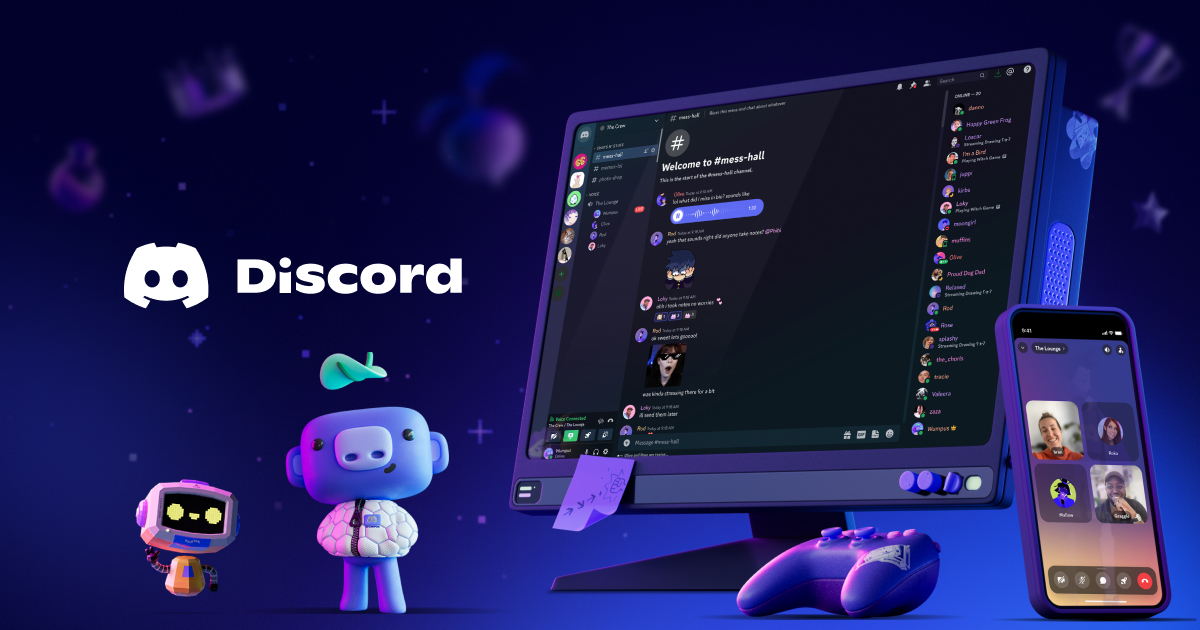
 Discord
Discord is a real-time communication platform designed for teams, communities, and businesses to collaborate via text, voice, and video channels with a robust bot and integration ecosystem. It serves remote teams, gaming communities, developer communities, and customer-facing groups seeking low-latency, scalable collaboration beyond email.
Click for detailed info Hide detailed info
Pros
- Generous free tier with core features (text, voice, and video)
- Low-latency voice and video, plus reliable screen sharing and live streams
- Flexible channel structure, roles, and granular permissions
- Extensive ecosystem of bots, integrations, and customizable workflows
Cons
- Not a traditional ticketing or CRM tool; support workflows require workarounds
- Security, governance, and eDiscovery features may be limited for regulated industries
- Enterprise features and pricing can be complex and require direct negotiation
Frequently Asked Questions
Is Discord free?
Yes. Discord offers a Free tier that includes unlimited messages, voice, and video in servers. Paid tiers (Discord Nitro and Nitro Classic) add perks such as higher upload limits, improved video quality, boosts for servers, and additional customization. Enterprise pricing is available by quote.
Who is Discord ideal for?
Discord is ideal for remote teams that want continuous, low-friction voice and text collaboration, developer communities, gaming communities, education groups, and customer communities that benefit from public and private channels, live streams, and bot-based workflows.
What is Discord best used for?
Discord is best used as a flexible, real-time communication and collaboration platform for teams, communities, and customer groups that want voice, video, and chat in a single space with customizable roles and integrations.
How does Discord compare to competitors?
Compared to Slack or Microsoft Teams, Discord emphasizes persistent voice channels, lower-cost voice/video quality at scale, and a strong bot/integration ecosystem, which is ideal for communities and gaming-style collaboration. It lacks some workforce-automation features of Slack and deep MS 365 integration, so teams with heavy ticketing or compliance needs may prefer dedicated business tools.
Looking for alternatives?
Compare Discord against the top productivity tools.
View All Alternatives to DiscordRelated Productivity Tools
 Notion
Notion is an all-in-one workspace that combines note-taking, project management, and collaboration tools that streamline workflows for teams and individuals alike. It serves a wide range of industries by providing customizable and flexible organization solutions.
 Trello
Trello is a visually intuitive project management tool that enables teams to organize tasks and collaborate seamlessly using boards, lists, and cards. Ideal for businesses of all sizes, Trello streamlines workflow and improves productivity through its user-friendly interface and versatile integrations.
 Todoist
Todoist is a powerful task management tool designed for teams and individuals who seek to enhance productivity and organization. With its intuitive interface and robust feature set, Todoist helps users seamlessly manage their projects and tasks across multiple devices.