 GitKraken
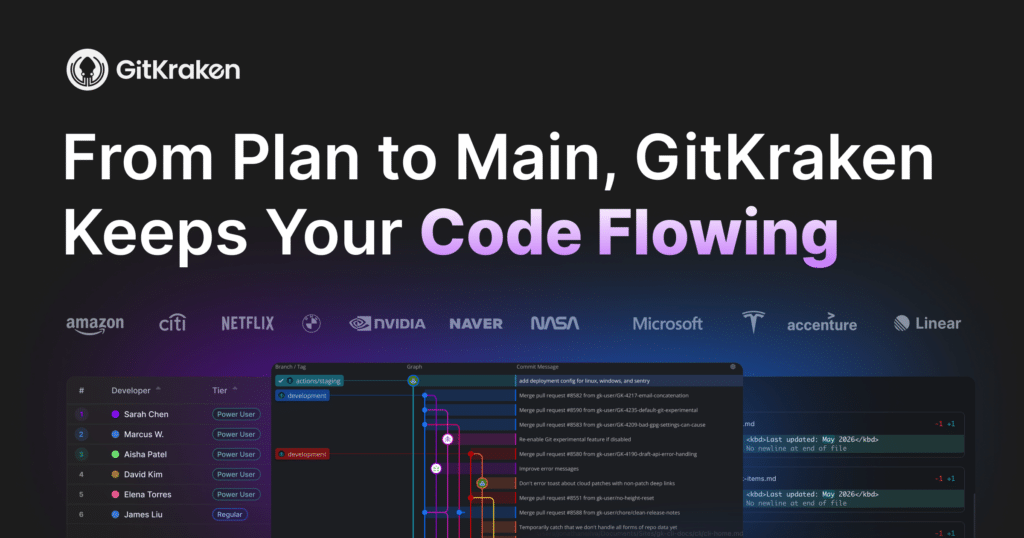
GitKraken is a powerful Git client that streamlines version control for developers and teams. With its user-friendly interface and advanced features, it caters to software development teams in need of efficient code management and collaboration.
Click for detailed info Hide detailed info
Pros
- Intuitive and visually appealing interface
- Cross-platform support
- Built-in issue tracking and collaboration tools
- Excellent Git integration with popular platforms like GitHub, GitLab, and Bitbucket
Cons
- Resource-heavy on older machines
- Requires a paid account for some advanced features
- Steeper learning curve for users new to Git
Frequently Asked Questions
Is GitKraken free?
GitKraken offers a free tier with limited features suitable for individual users, while teams and organizations can opt for paid plans that unlock advanced functionalities and collaboration tools.
Who is GitKraken ideal for?
GitKraken is ideal for software development teams ranging from small startups to large enterprises looking for a powerful yet user-friendly Git client that enhances productivity and collaborative code management.
What is GitKraken best used for?
GitKraken is best used for managing Git repositories more intuitively with features such as visual conflict resolution, branch management, and commit history visualization, making it a preferred choice for developers and teams collaborating on software projects.
How does GitKraken compare to competitors?
GitKraken stands out from alternatives like SourceTree and Git GUI by offering a more visual and user-friendly experience, particularly for complex branches and merge conflicts, although it may be considered more resource-intensive.
Looking for alternatives?
Compare GitKraken against the top devops tools.
View All Alternatives to GitKrakenRelated DevOps Tools
 PagerDuty
PagerDuty is an incident management and response platform designed for DevOps teams and IT operations, enabling businesses to predict, prevent, and resolve incidents effectively. By integrating monitoring tools and communication platforms, it ensures swift response times and enhances operational efficiency.
 GitLab
GitLab is an integrated DevOps platform that provides developers with tools to plan, create, verify, secure, and deploy applications from one interface. It serves software development teams of all sizes, aiming to improve collaboration and productivity across the software development lifecycle.
 Bitbucket
Bitbucket is a leading Git repository management solution designed for professional teams. It facilitates collaborative development by allowing users to host and manage source code using Git, with features aimed at improving team workflows.