 Help Scout
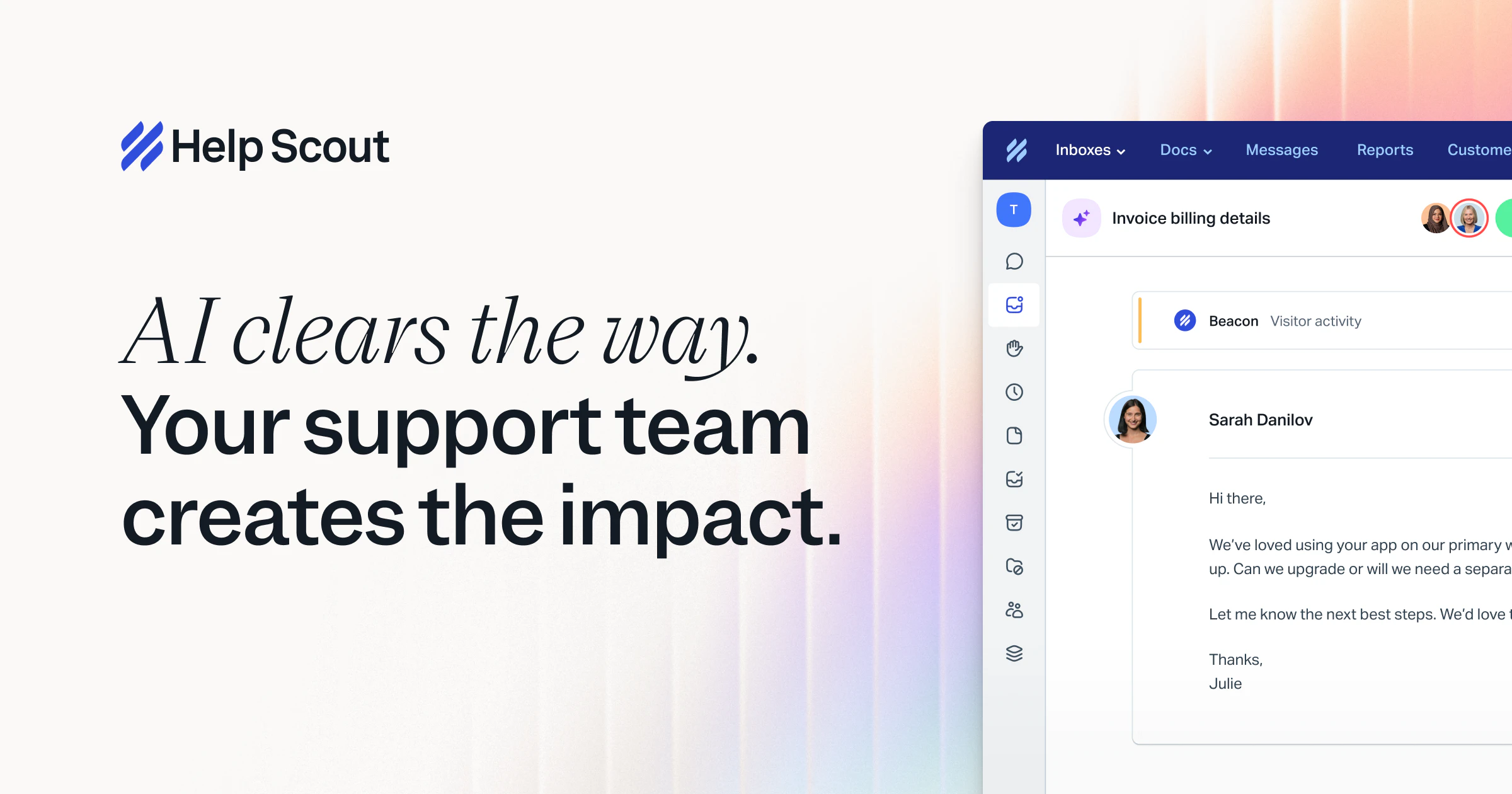
Help Scout is a cloud-based customer support platform that turns email into a collaborative inbox and unifies customer data for teams. It also provides a built-in knowledge base, automation workflows, and reporting to help service teams scale while preserving a human touch.
Click for detailed info Hide detailed info
Pros
- Intuitive, clean user interface that mirrors familiar email workflows
- Strong knowledge base with Docs and a helpful on-site Beacon widget
- Unified customer context via profiles and conversation history for more personalized support
- Good mobile apps and robust reporting for team performance
Cons
- Automation and multi-channel routing can be less feature-rich than some larger help desk rivals
- Pricing can be less transparent and may become expensive for larger teams
- Advanced workflows may require higher-tier plans and can be less flexible for complex setups
Frequently Asked Questions
Is Help Scout free?
Help Scout does not offer a perpetual free plan. A trial is typically available to try the platform, followed by per-seat/per-mailbox pricing with monthly or annual options. Enterprise quotes are available for larger organizations.
Who is Help Scout ideal for?
Ideal for small to mid-sized businesses, e-commerce teams, service-based organizations, and agencies that rely on email as their primary support channel and want a unified inbox with a good knowledge base and customer context.
What is Help Scout best used for?
Help Scout is best used as a lightweight, human-friendly customer support desk for teams that manage email-based support and want a seamless way to maintain customer context, with an integrated knowledge base and on-site help widget.
How does Help Scout compare to competitors?
Compared with Zendesk, Help Scout emphasizes simplicity and email-centric workflows with strong Docs and customer profiles, making it feel more human and easier to adopt. Against Intercom, Help Scout is more traditional for reactive support rather than proactive on-site messaging; vs Freshdesk, it offers a cleaner UI and stronger knowledge-base integration but may have fewer built-in automation options at lower tiers.
Looking for alternatives?
Compare Help Scout against the top customer support tools.
View All Alternatives to Help ScoutRelated Customer Support Tools
 Tidio
Tidio
Tidio is a cloud-based live chat and chatbot platform that helps websites automate conversations and accelerate support. It serves small to mid-sized businesses seeking real-time engagement, lead capture, and multi-channel messaging.
 Jira Service Management
Jira Service Management is a powerful service desk and IT service management software that helps teams manage requests, incidents, and changes efficiently. Designed for IT teams and service providers, it promotes collaboration and transparency to deliver superior customer service.
 Zoho Desk
Zoho Desk is a powerful help desk software designed to streamline customer support operations and enhance user experience. Targeted at businesses of all sizes, it provides tools for ticket management, automation, and multi-channel communication.