 Koding
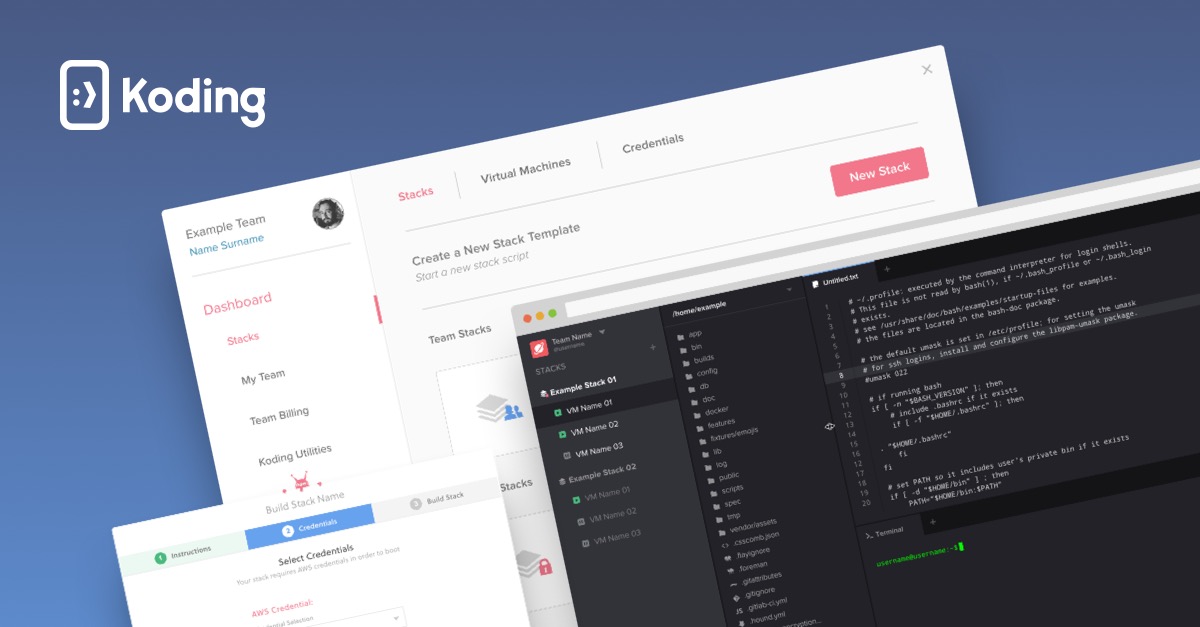
Koding is a powerful B2B SaaS platform designed for developers to create, manage, and collaborate on projects in the cloud. With its user-friendly interface and robust development environment, it serves both individual developers and teams looking to streamline their coding workflows.
Click for detailed info Hide detailed info
Pros
- Intuitive user interface that enhances productivity.
- Supports multiple programming languages, making it versatile for different projects.
- Cloud-based environment allows for easy collaboration and access from anywhere.
- Integrated tools and features streamline the development workflow.
Cons
- Limited offline capabilities, relying heavily on an internet connection.
- Pricing model may not be friendly for smaller teams or individual developers.
- Some users may find the feature set overwhelming at first.
Frequently Asked Questions
Is Koding free?
Koding offers a tiered pricing model, with a free tier available for individual developers that includes basic functionalities, while more advanced features and team accounts are available through paid subscriptions.
Who is Koding ideal for?
Koding is ideal for software development teams, freelancers, and educators looking for a cloud-based platform that simplifies collaboration and reduces setup overhead for coding projects.
What is Koding best used for?
Koding is best used for developing, managing, and collaborating on software projects within a cloud-based integrated development environment (IDE). It allows teams to work on coding tasks collectively while minimizing setup time.
How does Koding compare to competitors?
Koding stands out with its seamless collaboration features and multi-language support compared to competitors like GitHub Codespaces and Replit, particularly for teams that need an all-in-one development environment. However, it may lag in terms of community support and extensibility compared to GitHub.
Looking for alternatives?
Compare Koding against the top coding tools.
View All Alternatives to KodingRelated Coding Tools
 GitHub
GitHub is a leading platform for software development and version control that caters primarily to developers and project managers. With millions of repositories and comprehensive collaboration features, it serves teams looking to streamline their code management and collaborative efforts.
GitHub Copilot
GitHub Copilot is an AI-powered coding assistant designed to help developers write code faster and with fewer errors. Serving software developers and teams, it provides contextual code suggestions directly within various programming environments.
 Kite
Kite
Kite is a powerful B2B SaaS platform designed to enhance productivity for developers by providing intelligent coding assistance. It serves programmers by leveraging machine learning to help them code faster and with fewer errors.